Technical
From system requirements to management
The page for your IT manager with figures and exceptions
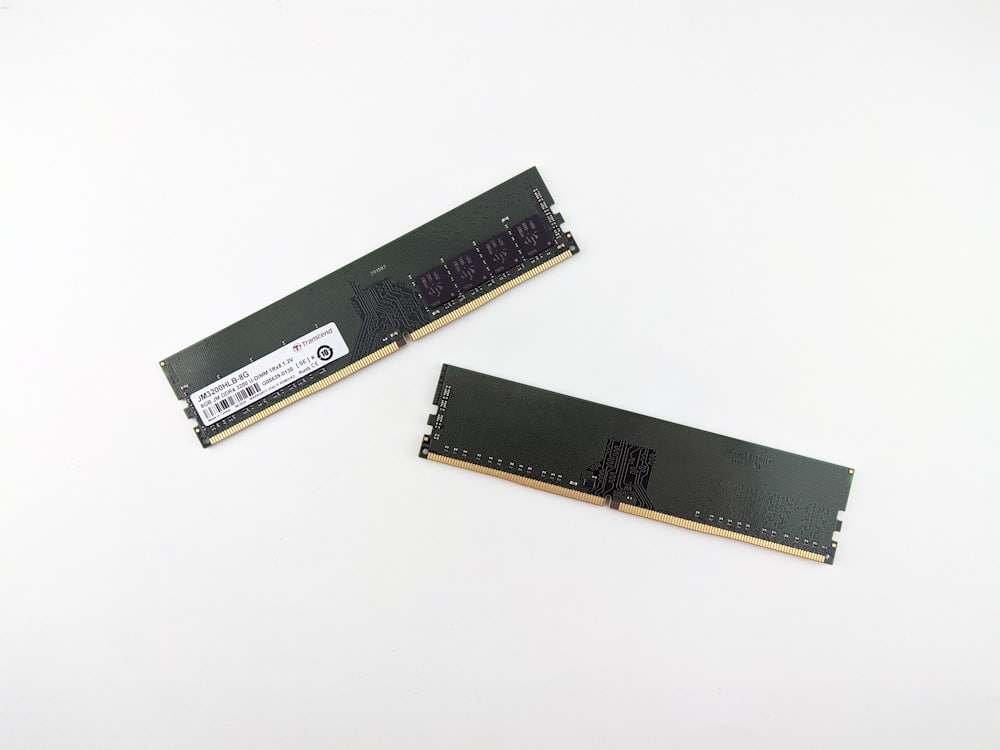
NEXZOS runs on the machines you already own. The bar is deliberately low, because that is the whole point: a workstation below the Windows 11 requirements keeps working here, and that is where the 35 to 50 per cent longer hardware life comes from.

Will your hardware run it?
Answer six questions about a typical machine in your estate and read the verdict. The assessment does this per serial number for the whole estate; this is the rule of thumb behind it.
Meets the recommended office level: Core i3 or Ryzen 3, 8 GB, 40 GB free on an SSD.
This machine stays below the Windows 11 requirements and keeps working on NEXZOS. That is the hardware you would otherwise replace in October 2028, at roughly € 700 each.
The requirements behind the verdict: minimum and recommended, and the devices outside the supported range
System requirements
| Item | Minimum | Recommended for a comfortable office workstation |
|---|---|---|
| Processor | 1 GHz dual core, Intel or AMD, 64-bit | Intel Core i3 or AMD Ryzen 3 or comparable, 64-bit, two cores or more |
| Memory | 2 GB RAM | 8 GB RAM |
| Storage | 15 GB free for NEXZOS OS Core | 128 GB SSD, of which at least 40 GB free for the system, updates and applications |
| Display | 800 × 600 pixels | Full HD, 1920 × 1080 or higher |
4 GB of memory with a 64 GB SSD is workable for light use, and less future proof once someone keeps twenty browser tabs, a meeting client and office software open at the same time.
Supported hardware
NEXZOS supports x86-64 processors from Intel and AMD, desktop and laptop, including models below the Windows 11 requirements. Machines with a 32-bit processor and ARM devices fall outside the supported range.
| Device | Where it stands |
|---|---|
| Apple Silicon, M1 to M4 | In a virtual machine only |
| ARM Surface, Snapdragon or Microsoft SQ | Outside the supported range |
| Raspberry Pi | Outside the supported range |
| Intel Mac with a T2 chip | Possible, with extra installation steps, and with possible limits on wifi, Bluetooth or audio |
| Chromebook | Depends on the model, and usually needs the bootloader unlocked, so outside the standard corporate route |
| NVIDIA graphics | Usually fine with the proprietary driver. Secure Boot can ask for extra configuration |
Rule of thumb. A machine bought from roughly 2013 onwards with 4 GB of memory runs well; 8 GB is the recommended office line. Below 2 GB it is better retired than migrated, and the assessment says so on page one, per serial number from the Assessment level upwards.
Rollout
Full replacement
The standard route for workstations that are suitable and validated. Windows comes off, NEXZOS goes on, the machine stays.
Dual boot
A transitional or exception route for staff who still need a piece of Windows software while the alternative is being arranged.
Boot from USB media
For a demonstration, a hardware test or a short pilot. Useful to prove the point, and intended as a temporary setup.
Thin client to VDI
Where a Citrix, VMware or Remote Desktop environment already exists. This serves the Windows-dependent applications and leaves them as they are.
Virtual machine
NEXZOS inside a virtual machine on an existing host, for evaluation by IT staff or for the few machines that need a virtual boot, such as Apple Silicon Macs.
Management and identity
Central management
Management runs on the proven Linux tooling that your administrators can hire for anywhere in Europe: Ansible for configuration and software installation, and Landscape for inventory, package management, planned update windows, security patching and grouping of systems.
The combination is tested against the chosen NEXZOS release during the pilot, so the management model is proven on your estate before anything is rolled out further.
Network drives
SMB and CIFS, NFS, SFTP and WebDAV can be mounted, centrally configured where you want them mounted automatically.
Identity and access
- Active Directory and LDAP
- Supported through the standard Linux integration with SSSD and realmd. Login, group rights, printers and network drives are tested during the pilot
- Microsoft Entra ID
- Used for Microsoft 365 and web single sign-on. Device registration and Intune for Linux are in development and supported on specific releases, so we set up a proof of concept first, certainly where Conditional Access is required
We say this plainly because your CISO will ask it in the first meeting, and an answer of "that works too" dies in the second.
Migration from Windows 10
| Subject | What happens |
|---|---|
| Profiles | Every user gets a new NEXZOS profile, linked to Active Directory or LDAP where you use that; a Windows profile therefore moves across and is set up again |
| Files | Moved through OneDrive or SharePoint, a file server, a backup, or a migration tool. Documents, Desktop, Pictures and Downloads come along |
| Network drives | Set up again and, where wanted, mounted automatically through central management |
| Settings and applications | Configured again per application. Browser favourites, mail profiles and cloud files migrate well; Windows-specific settings are set again |
In one line: files migrate, profiles and software are set up again, and the exceptions are judged case by case. The assessment names those exceptions before you commit to anything.
Line-of-business applications: find the route
Before any rollout we build an application inventory with you and place every application in one of three groups. That inventory is the part of the assessment that decides most. Try it on the applications you worry about: pick how each one is delivered, read the group and the route, and add it to a list to see the shape of your estate.
- Runs as is: a web application is unaffected by the operating system underneath it
- Lead time: Functional test within 1 to 2 weeks
- Who decides: IT
What we commit to. NEXZOS runs many .exe and .msi programs through the compatibility layer. Our guarantee covers what the pilot has demonstrated on your own machines, per application. For business critical software the safe answer remains a native version, a web version or VDI. Anyone who makes you a broader promise has left it untested.
The three groups, what they mean and the lead time for each
| Category | What it means | Indicative lead time |
|---|---|---|
| Runs as is | A native Linux application, a web application, or a cross-platform application that is already supported | Functional test within 1 to 2 weeks |
| Compatibility route | Runs through Windows application support or through your VDI environment | Trial and user acceptance within 2 to 4 weeks |
| Needs a decision | Runs variably, needs drivers or a hardware dongle, or is business critical and available for Windows only | Decision by the process owner within 2 weeks of the test |
The third group is usually the same kind of software everywhere: CAD specialisations, sector-specific Windows programs, locally installed financial packages, and applications tied to a hardware dongle.
Realistic first step: 4 to 6 weeks for the inventory, the technical test and a small pilot. The phased rollout starts only after that.